
Translate a Heroes 3 Map (.h3m to JSON and Back)
Download a JSON file with all of the map's texts (title, description, event messages, hero biographies, etc.), translate the values however you like — by hand or with any translator — and upload the JSON back. You'll get the same map, but with your own texts. The map itself doesn't change — only the text strings.
Works great with SoD (Shadow of Death), HotA versions from 1.7.0 through the latest 1.8.1, and Armageddon’s Blade — some Restoration of Erathia maps can’t be read yet.
1. Download texts
2. Rebuild the map with the translation
Why an online H3M to JSON translator
Translating or editing text in a Heroes of Might and Magic 3 map — quest dialogues, letters, hero biographies, object names — usually means opening a hex editor or installing a command-line utility. Our converter does the same job right in your browser: no install, no build step, no account. Upload an .h3m file, get a plain JSON with every text string in the map, translate it in any text editor, upload it back, and download the same map with your translation applied.
The tool correctly reads and rebuilds Shadow of Death (SoD) maps, HotA versions from 1.7.0 through the latest 1.8.1, and Armageddon’s Blade. Some Restoration of Erathia maps can’t be read yet — the early map format is structured differently, and we’re still working on support for it.
Chinese maps are a special case. Most .h3m editors and parsers mangle their text into unreadable garbage, because these maps store text in GBK encoding instead of the Windows-1251 the game normally expects. Our parser detects this automatically and returns clean, readable Chinese text — something we haven’t seen any other online tool do.
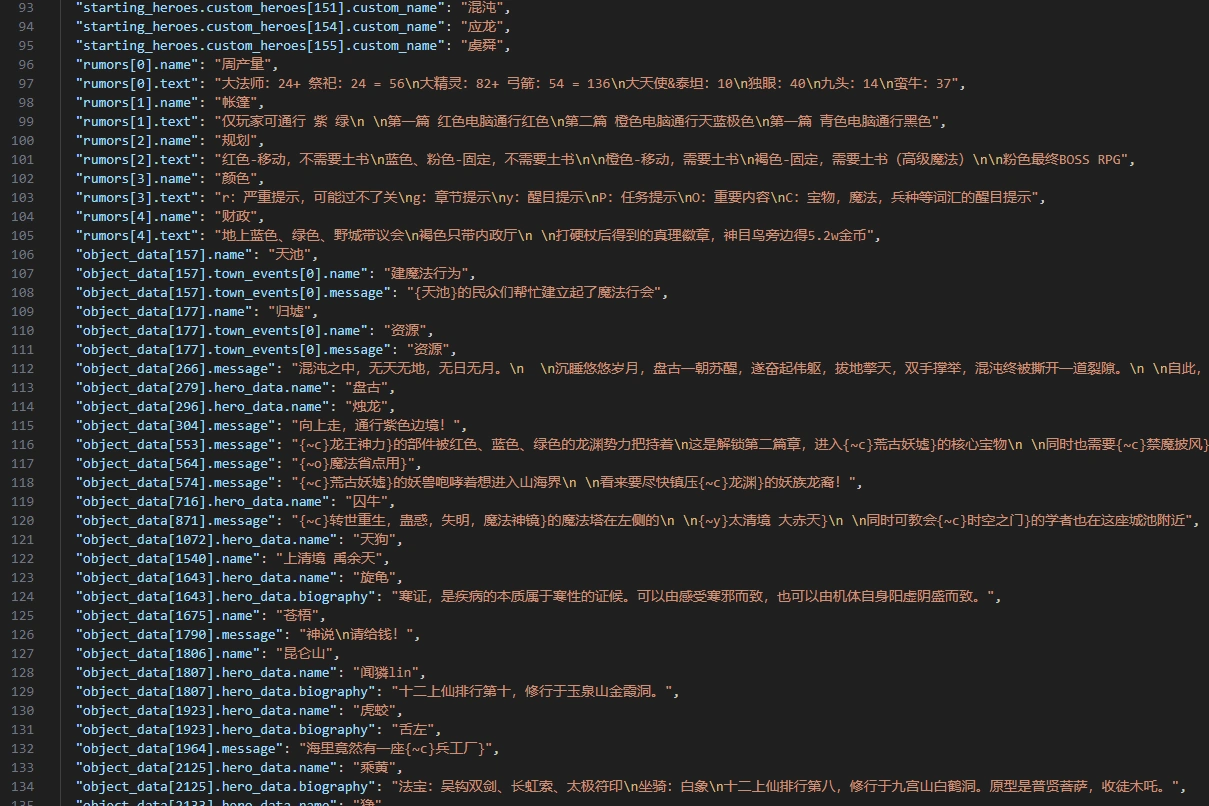
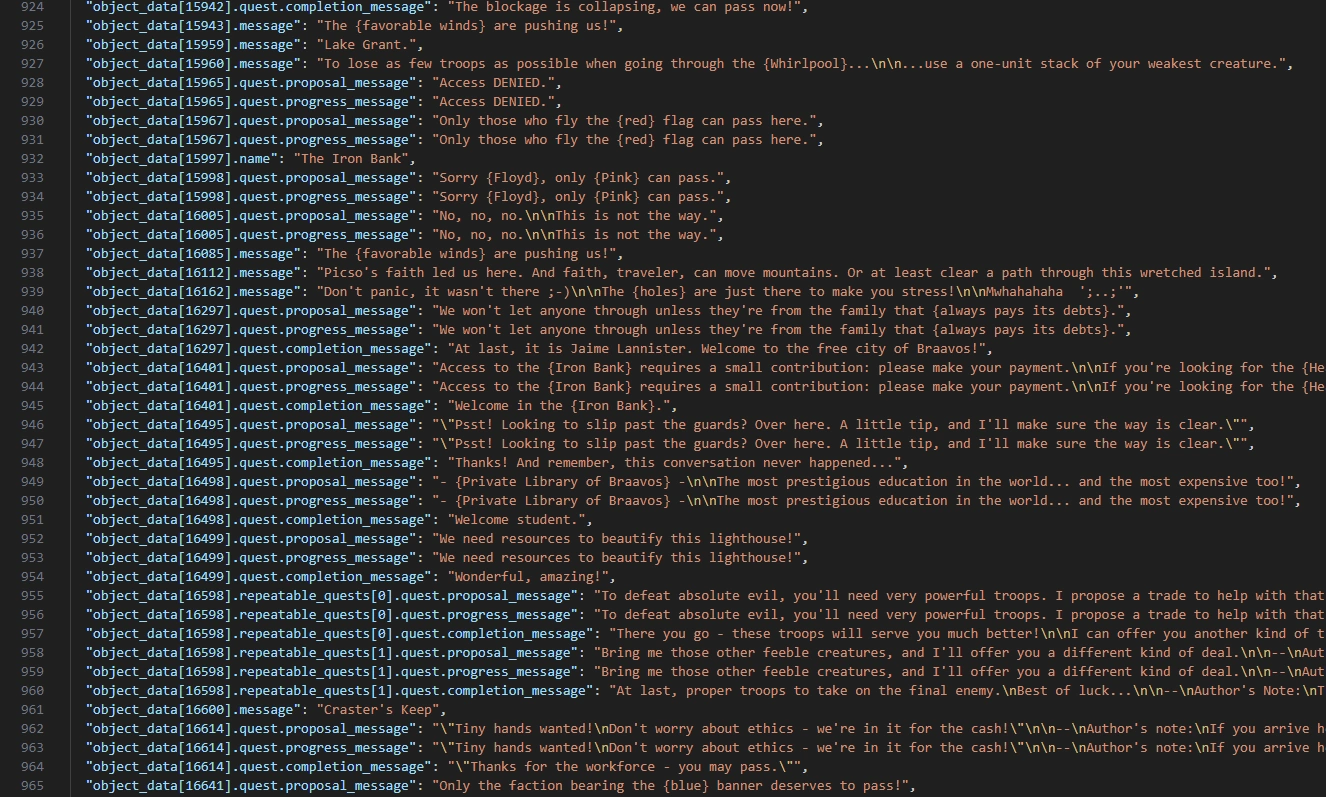
HotA’s event system (h3mex) is also supported: nested quest structures, town event messages, repeatable quests with their own text at each stage. The curly-brace tags in the text — {c}, {~c}, {red}, {favorable winds}, and similar — aren’t clutter: they highlight that word or phrase in yellow in-game. And \n / \n\n are line-break characters. Both are preserved exactly as-is, so the map doesn’t break and the text keeps its formatting after rebuilding.
FAQ
What is an .h3m file?
.h3m is the Heroes of Might and Magic 3 map file format. Besides terrain and objects, it stores every in-game text — quest dialogues, letters, item descriptions, and hero biographies.
Do I need to install anything?
No. Exporting the text and rebuilding the map both happen right in your browser — nothing to download or install.
Which translator should I use for the JSON?
Any of them — Google Translate, DeepL, ChatGPT, or a human translator. Just don’t touch the JSON keys, the highlight tags like {c} and {~c} (they color text yellow in-game), or the \n / \n\n line breaks — carry those over to the right spot in your translation, and only translate the actual text.